Leading industrial special communication provider with rich global cases. Our explosion-proof & SIP dispatch systems power projects—your reliable partner with proven success.
Leading industrial special communication provider with rich global cases. Our explosion-proof & SIP dispatch systems power projects—your reliable partner with proven success.
How to Build a Campus Unified Communications System
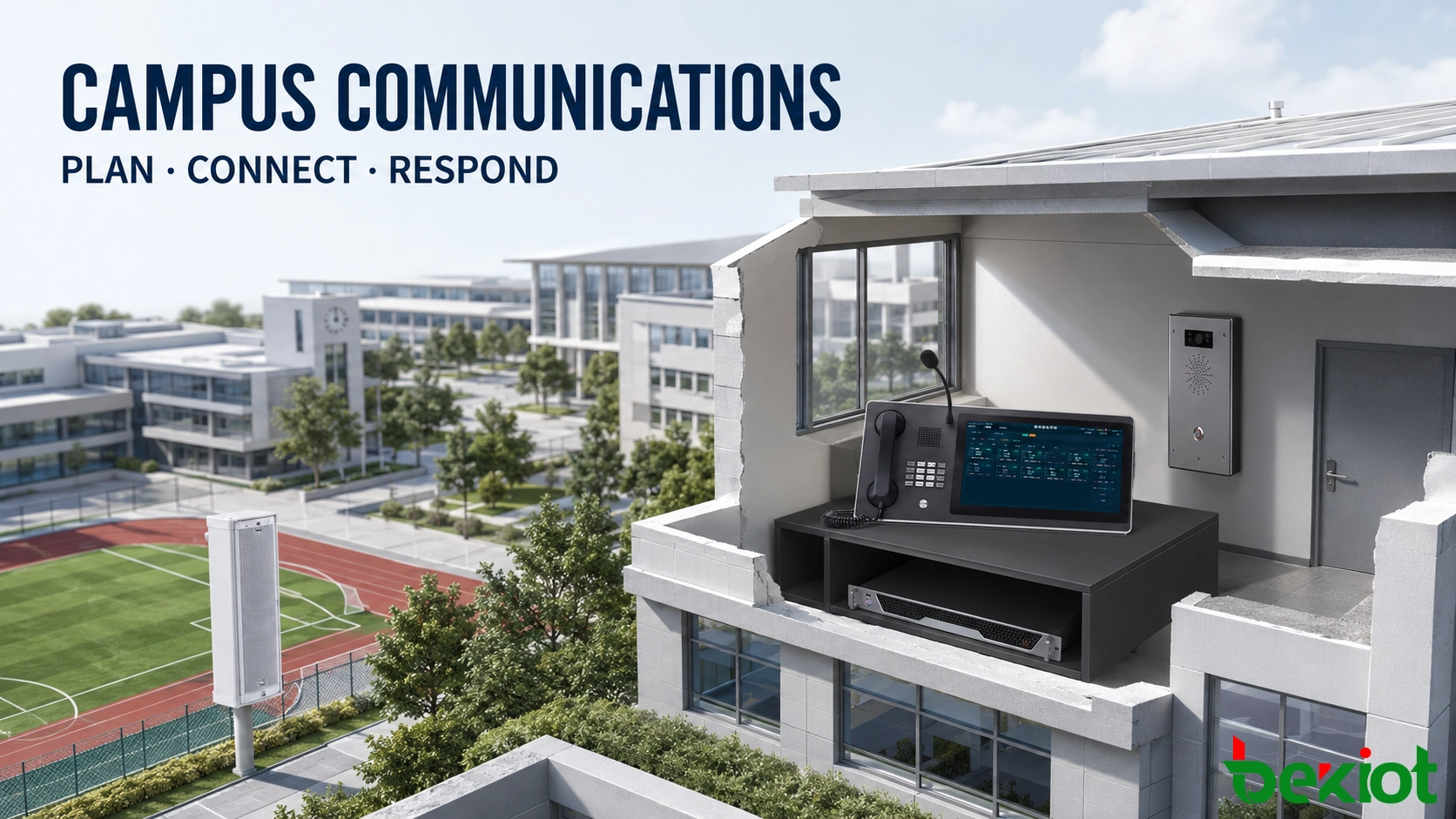
Learn how to plan, integrate and test campus PA, telephony, intercom, alarms and emergency dispatch while retaining serviceable existing systems.
Becke Telcom
A campus communications project usually begins with systems installed at different times. The school may already have a PA system, office telephones, gate intercoms, alarm buttons and several duty rooms, but these resources may follow separate numbering, control and maintenance arrangements.
Building a unified system starts by documenting how the school currently communicates and responds to incidents. The platform and terminal configuration can then be designed around real duty procedures, existing equipment and building conditions. This approach produces a system that staff can operate without abandoning serviceable assets or changing every established workflow at once.
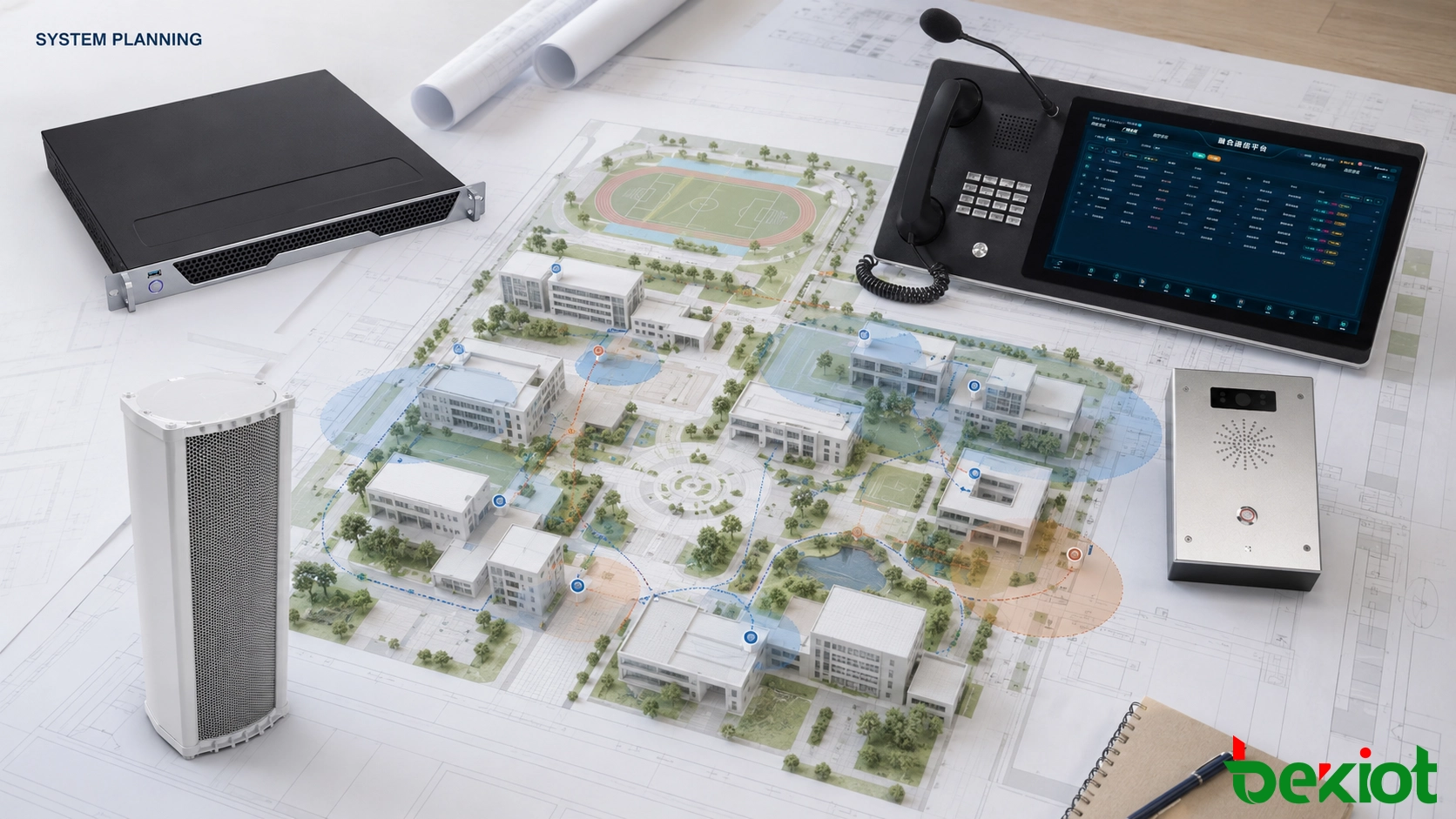
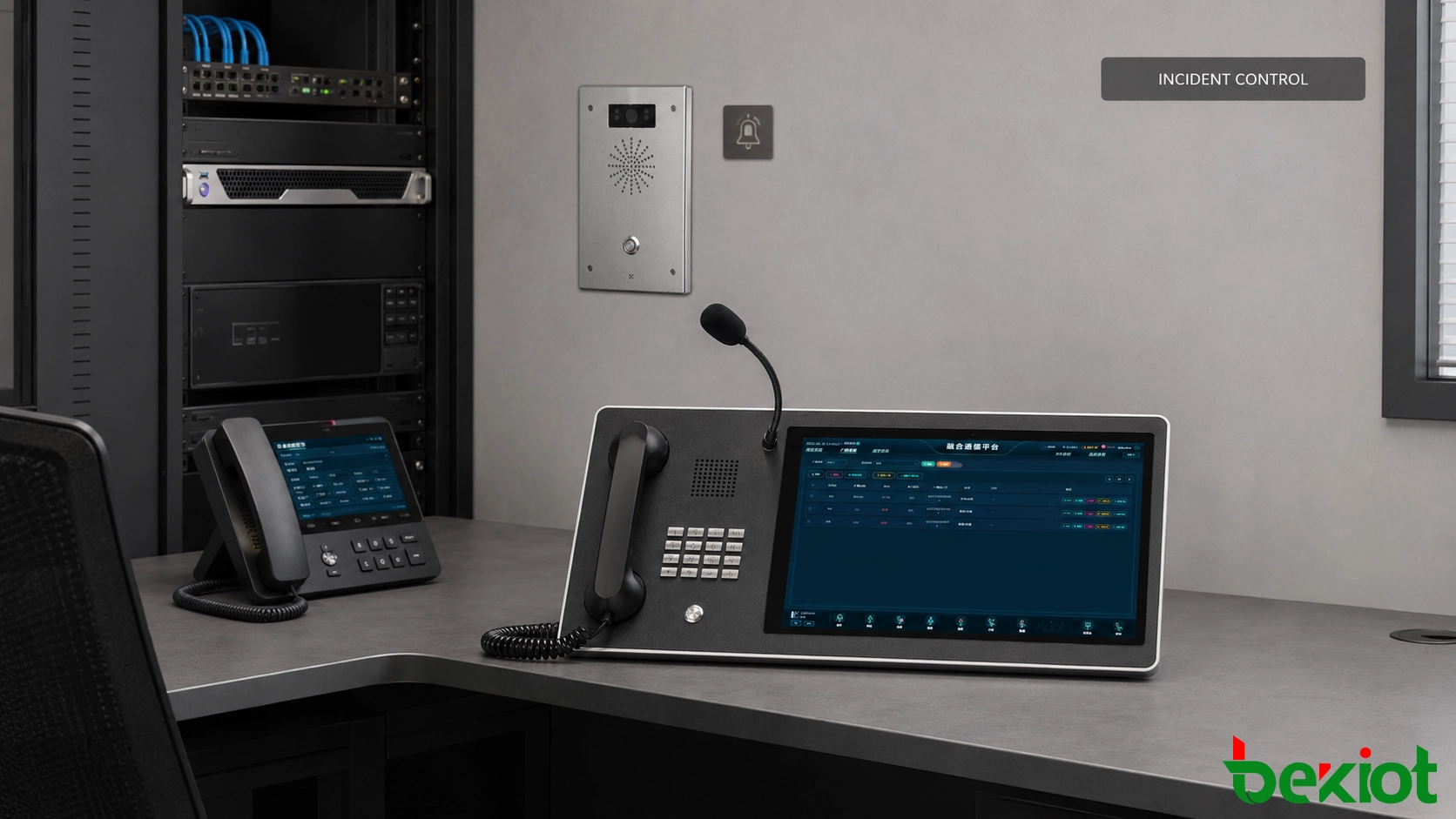
A campus communications plan connects existing and new systems through a shared dispatch and management platform.
Start with an operational survey, not a device list
Before selecting equipment, the project team needs a clear picture of the campus. The survey should cover buildings, outdoor areas, duty positions, existing communication systems, network access and the people responsible for handling different types of events.
A useful survey does more than count speakers and telephones. It records how information moves during normal operation and what changes after school hours. For example, a daytime help call may go to the security office, while the same call at night may need to reach a dormitory duty phone or an off-site duty position.
Interviews with security personnel, dormitory supervisors, teachers, clinic staff and network administrators can reveal details that are not shown on existing drawings. A building may have adequate speaker coverage but no convenient help point, or a duty phone may be installed correctly but remain unattended during certain periods. A short on-site observation during class changes, meal periods and evening duty hours can make the final design more practical.
The survey normally produces the following records:
An inventory of PA servers, amplifiers, speaker circuits, telephones, intercoms, alarm buttons and recording equipment;
A campus map showing teaching buildings, dormitories, entrances, sports areas, parking zones and duty rooms;
A list of current telephone numbers, PA zones, alarm points and responsible departments;
An interface record for equipment that may remain in service;
Daytime, nighttime, weekend and holiday duty arrangements;
Incident categories and the staff authorized to receive, escalate and close each event.
These records help separate actual requirements from assumptions. They also provide a reference for pricing, construction, commissioning and future maintenance.
Turn the survey into a buildable design
The design stage converts survey results into documents that installers and school administrators can use. At this point, the project team defines system boundaries, communication paths, PA zones, terminal locations, numbering rules, user permissions and equipment-room requirements.
Design item
Required output
Why it matters
System inventory
Equipment, interface and condition list
Identifies which assets can remain in service
PA planning
Zone table and speaker distribution drawing
Defines where routine and emergency audio will be delivered
Intercom planning
Terminal location and naming table
Allows duty staff to identify an alarm point immediately
Telephone planning
Extension, ring group and forwarding table
Keeps duty calls moving when a position is unavailable
Network planning
Connection, addressing and traffic-priority plan
Protects voice and alarm traffic on a shared campus network
Permission planning
Role and operating-scope matrix
Prevents unauthorized paging, monitoring or record access
The system drawing should identify the central platform, primary and backup duty positions, access gateways, network connections and field terminals. Existing equipment must be marked separately from new equipment so installers know which interfaces require testing or conversion.
Responsibilities also need to be visible in the design. The security office may manage campus-wide alerts, while dormitory supervisors handle only their assigned buildings. Teaching staff may be permitted to make routine announcements to selected zones but not interrupt higher-priority emergency audio.
Project documents need consistent version control. When a room name, terminal location, extension number or PA zone changes during construction, the drawing, device table and platform configuration should be updated together. Assigning one person to approve these changes prevents the installed system from differing from the final handover records.
Plan zones, endpoints and network access together
PA zoning and intercom placement affect each other. When a help call comes from a corridor or outdoor area, the dispatcher may need to speak through the terminal, contact nearby staff and send an announcement to the surrounding zone. The terminal location and corresponding PA zone therefore need to use the same building and area references.
Endpoint names should describe where the device is installed. A name such as “East Campus – Teaching Building 3 – Floor 2 East Corridor” is more useful than a serial number during an incident. The same naming format should appear in the dispatch interface, construction drawings, equipment labels and maintenance records.
Terminal locations are selected according to visibility, accessibility, environmental noise and supervision arrangements. A help point must be easy to find without obstructing normal movement. Outdoor devices may require weather protection, while entrances, sports areas and mechanical spaces may need additional attention to microphone pickup and speaker volume.
Network access should be checked at every proposed location. Where voice, video, monitoring and office data share the same infrastructure, the design needs enough capacity for calls and alarm signaling during busy periods. Traffic priority, network segmentation and switch configuration should follow the school’s network-management policy.
On a large or multi-campus network, the project team should record the switch port, network segment and upstream path used by each important terminal. This information makes fault isolation faster and helps network administrators distinguish a device problem from a wider connection failure. Remote buildings connected through limited links should be tested under normal traffic rather than only during an empty-network test.
Power arrangements must also be recorded. The platform server, dispatch console, access gateways, core network equipment and primary duty terminal may require backup power. If a field device uses network power, its upstream switch and backup supply need to be included in the same availability assessment.
The power budget of each network switch should be checked before additional intercoms or speakers are connected. Spare ports alone do not confirm that the switch can power every planned terminal. Equipment rooms also need suitable ventilation, grounding, rack space and access for future maintenance.
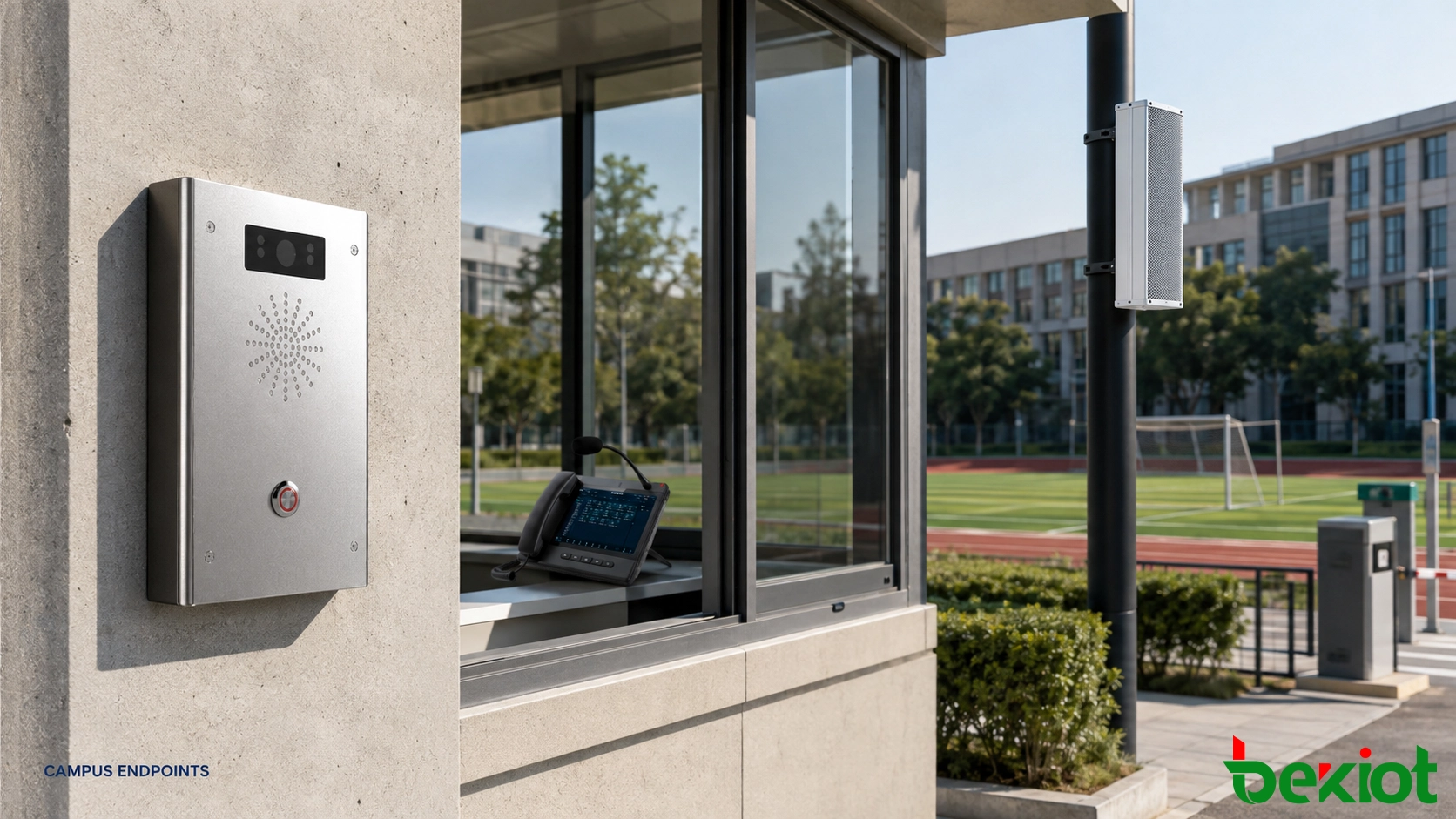
Terminal names, installation points, duty groups and nearby PA zones are planned as one set of project data.
Bring existing PA and telephone assets into the project
Many schools already have amplifiers, analog speaker circuits, office telephones or standalone intercom equipment that remains serviceable. Retaining these assets can reduce construction work, but only after their interfaces and operating condition have been confirmed.
An existing PA system may be connected through an audio or paging gateway. The unified platform selects the destination and sends the audio, while the installed amplifier and speaker circuit continue to provide local sound reinforcement. Before connection, technicians need to verify audio levels, input type, zone-control method and the behavior of the original system when an emergency task takes priority.
An installed telephone system may connect through a voice gateway or trunk interface. The design can preserve familiar extension numbers where practical, while adding ring groups, call forwarding, recording or dispatch access. The cutover plan should state which system controls numbering and how calls are routed if one platform becomes unavailable.
Legacy integration is best completed in stages. High-priority locations such as the security office, school gates and dormitories can be connected first. Teaching buildings, sports areas and additional campuses can follow after the initial operation has been verified.
Each stage needs a clear boundary. Two platforms should not control the same PA zone without an agreed priority and switching method. Temporary connections used during migration must also be recorded so they are not left as undocumented parts of the final system.
A cutover window should include a rollback method. If call routing, paging control or recording does not operate as expected, technicians need a documented way to return the affected service to its previous configuration. Keeping the original connection available until the new path passes testing reduces disruption to teaching and duty operations.
Configure incident rules before commissioning
The dispatch platform cannot decide how the school should respond. Its task is to execute rules approved by the school. Before commissioning, administrators and technical personnel need to define who receives each alert, when an unanswered event is transferred and which PA zones may be activated.
Event type
First duty position
Escalation
Paging scope
Teaching-building help call
Security duty room
Building staff or school management
Nearby floor or building when required
Dormitory assistance
Dormitory duty position
Security office or medical staff
Selected dormitory area
Anti-bullying report
Authorized safeguarding staff
Designated school personnel
No public paging by default
Gate abnormality
Gate duty phone
Security office
Entrance area when required
Wider safety event
Security or emergency duty center
Authorized school management
Selected buildings or entire campus
The table used in the final project should reflect the school’s own organization. It can also include acknowledgement time, no-answer timeout, backup contacts, recording requirements and the person authorized to close the event.
Escalation settings need realistic timing. A timeout that is too short may send the same alert to several departments before the first operator can respond, while a long timeout can delay assistance. Test calls with duty personnel provide a better basis for these values than selecting a default setting without observing the school’s routine.
Paging priorities are configured separately from incident categories. Emergency instructions may interrupt routine programs, while ordinary live paging may be limited to selected zones. After the higher-priority task ends, the system should return the affected zones to their normal operating state.
Anti-bullying and safeguarding reports require tighter access control. Alarm details, recordings and written notes should be visible only to designated personnel. A discreet alert can reach the relevant duty position without playing sensitive information through public speakers.
Incident routing, duty contacts, escalation conditions and paging permissions are configured before the system is commissioned.
Test the workflow and prepare handover records
Commissioning begins with individual equipment checks and ends with complete operating scenarios. Each terminal must first be matched with its registered name, installation point, network address, duty group and nearby PA zone.
Technical checks cover two-way speech, speaker coverage, paging priority, call forwarding, recording, network recovery and backup power. Testing should include quiet and noisy periods because a terminal that works in an empty building may perform differently during class changes or outdoor activities.
Scenario tests verify how the separate functions work together. A typical test begins when a person activates a help point. The duty operator confirms the displayed location, establishes a call, contacts the assigned response group and sends an announcement to the permitted zone. The event is then closed and its call, paging and operating records are reviewed.
Tests should also cover conditions that do not follow the ideal path:
The primary duty position does not answer;
A field terminal restarts during operation;
A network connection is temporarily interrupted;
Two paging tasks request the same zone;
An operator attempts to access a function outside the assigned permission;
Normal operation resumes after an emergency task has ended.
The handover package should include the final system drawing, equipment inventory, terminal location table, PA zone table, extension plan, account and permission list, incident-routing matrix, test records and operating instructions. Passwords and other sensitive information should be transferred separately under the school’s security policy.
The final records should also show the approved software configuration, installed equipment versions and active integration paths. This baseline gives maintenance personnel a known reference when troubleshooting future changes. Any temporary test account, forwarding rule or bypass connection should be removed or clearly documented before acceptance.
Duty personnel need practical training based on the same scenarios used during acceptance. Maintenance staff should know how to replace a terminal, update a room name, check a speaker zone and confirm that a restored device has returned to the correct group.
After handover, periodic tests can be scheduled for help buttons, duty-call forwarding, PA zones, recording, backup power and account permissions. Changes to departments, rooms or duty arrangements must also be reflected in the dispatch platform and project records.
A campus unified communications system is built through operational surveys, consistent naming, documented interfaces, controlled migration and scenario-based testing. When these tasks are completed before final handover, PA, telephony, intercom and alarms can support the school’s daily operation and incident-response procedures without creating another isolated system.
Becke Telecom can plan campus PA, one-touch intercom, anti-bullying help, campus telephony and emergency dispatch around existing buildings, installed equipment, network conditions and duty procedures, with phased integration available for serviceable legacy systems.
Becke Telcom specializes in industrial explosion-proof comms for rail, tunnel, oil & gas, and marine sectors, offering PAGA, SOS, and IP telephones with integrated PA, intercom, and calling.
If you have any suggestions or questions for us, please feel free to contact us!
We use cookie to improve your online experience. By continuing to browse this website, you agree to our use of cookie.
Cookies
Please read our Terms and Conditions and this Policy before accessing or using our Services. If you cannot agree with this Policy or the Terms and Conditions, please do not access or use our Services. If you are located in a jurisdiction outside the European Economic Area, by using our Services, you accept the Terms and Conditions and accept our privacy practices described in this Policy. We may modify this Policy at any time, without prior notice, and changes may apply to any Personal Information we already hold about you, as well as any new Personal Information collected after the Policy is modified. If we make changes, we will notify you by revising the date at the top of this Policy. We will provide you with advanced notice if we make any material changes to how we collect, use or disclose your Personal Information that impact your rights under this Policy. If you are located in a jurisdiction other than the European Economic Area, the United Kingdom or Switzerland (collectively “European Countries”), your continued access or use of our Services after receiving the notice of changes, constitutes your acknowledgement that you accept the updated Policy. In addition, we may provide you with real time disclosures or additional information about the Personal Information handling practices of specific parts of our Services. Such notices may supplement this Policy or provide you with additional choices about how we process your Personal Information.
Cookies
Cookies are small text files stored on your device when you access most Websites on the internet or open certain emails. Among other things, Cookies allow a Website to recognize your device and remember if you've been to the Website before. Examples of information collected by Cookies include your browser type and the address of the Website from which you arrived at our Website as well as IP address and clickstream behavior (that is the pages you view and the links you click).We use the term cookie to refer to Cookies and technologies that perform a similar function to Cookies (e.g., tags, pixels, web beacons, etc.). Cookies can be read by the originating Website on each subsequent visit and by any other Website that recognizes the cookie. The Website uses Cookies in order to make the Website easier to use, to support a better user experience, including the provision of information and functionality to you, as well as to provide us with information about how the Website is used so that we can make sure it is as up to date, relevant, and error free as we can. Cookies on the Website We use Cookies to personalize your experience when you visit the Site, uniquely identify your computer for security purposes, and enable us and our third-party service providers to serve ads on our behalf across the internet.
We classify Cookies in the following categories: ● Strictly Necessary Cookies ● Performance Cookies ● Functional Cookies ● Targeting Cookies
Cookie List A cookie is a small piece of data (text file) that a website – when visited by a user – asks your browser to store on your device in order to remember information about you, such as your language preference or login information. Those cookies are set by us and called first-party cookies. We also use third-party cookies – which are cookies from a domain different than the domain of the website you are visiting – for our advertising and marketing efforts. More specifically, we use cookies and other tracking technologies for the following purposes:
Strictly Necessary Cookies These cookies are necessary for the website to function and cannot be switched off in our systems. They are usually only set in response to actions made by you which amount to a request for services, such as setting your privacy preferences, logging in or filling in forms. You can set your browser to block or alert you about these cookies, but some parts of the site will not then work. These cookies do not store any personally identifiable information.
Functional Cookies These cookies enable the website to provide enhanced functionality and personalisation. They may be set by us or by third party providers whose services we have added to our pages. If you do not allow these cookies then some or all of these services may not function properly.
Performance Cookies These cookies allow us to count visits and traffic sources so we can measure and improve the performance of our site. They help us to know which pages are the most and least popular and see how visitors move around the site. All information these cookies collect is aggregated and therefore anonymous. If you do not allow these cookies we will not know when you have visited our site, and will not be able to monitor its performance.
Targeting Cookies These cookies may be set through our site by our advertising partners. They may be used by those companies to build a profile of your interests and show you relevant adverts on other sites. They do not store directly personal information, but are based on uniquely identifying your browser and internet device. If you do not allow these cookies, you will experience less targeted advertising.
How To Turn Off Cookies You can choose to restrict or block Cookies through your browser settings at any time. Please note that certain Cookies may be set as soon as you visit the Website, but you can remove them using your browser settings. However, please be aware that restricting or blocking Cookies set on the Website may impact the functionality or performance of the Website or prevent you from using certain services provided through the Website. It will also affect our ability to update the Website to cater for user preferences and improve performance. Cookies within Mobile Applications
We only use Strictly Necessary Cookies on our mobile applications. These Cookies are critical to the functionality of our applications, so if you block or delete these Cookies you may not be able to use the application. These Cookies are not shared with any other application on your mobile device. We never use the Cookies from the mobile application to store personal information about you.
If you have questions or concerns regarding any information in this Privacy Policy, please contact us by email at . You can also contact us via our customer service at our Site.

 English
 Deutsch
 한국어
한국어 Русский
 Français
 日本語
日本語 لالعربية
 हिन्दी
 Español
 Português
 繁体中文
繁体中文 简体中文
简体中文