Voice over Internet Protocol — commonly called VoIP — refers to any technology that lets you make voice (or video) calls using an internet connection rather than a traditional telephone network. Popular apps like WhatsApp, Signal, FaceTime, Zoom, Discord, Telegram, and Viber all use VoIP to transmit your voice and video data over the internet. Because VoIP traffic travels as internet data instead of phone signals, it can bring major benefits like cost savings and flexibility, but it also introduces security and accessibility challenges that a VPN (Virtual Private Network) can help address.
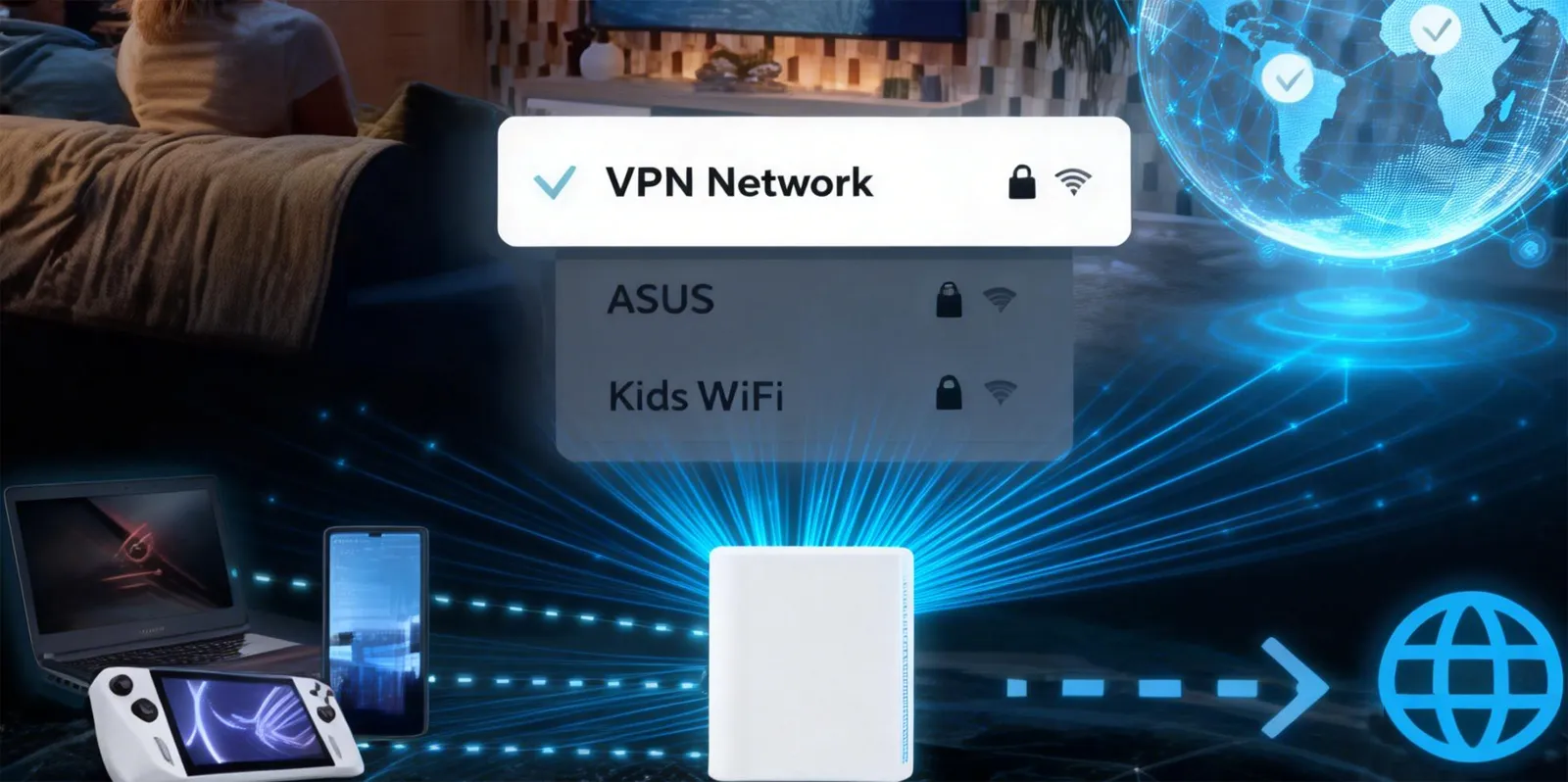
The Private Internet Access article explains what a “VoIP VPN” is, why someone might want one, and how using a VPN can improve your VoIP experience — especially on restricted or unsecured networks.
1. What Is a VoIP VPN?
A VoIP VPN is simply a Virtual Private Network used specifically to secure or improve Voice over IP calls. A VPN creates an encrypted tunnel between your device and a remote VPN server, and it reroutes all your internet traffic (including VoIP calls) through that tunnel. This has three main effects: encryption, IP masking, and bypassing network restrictions.
To break that down:
Encryption:
When you use a VPN, all of the data leaving your device is encrypted — not only the VoIP app itself but also the fact that you’re using voice communication at all. Encryption scrambles your data into an unreadable format so that anyone who intercepts it (like hackers, network administrators, or ISPs) can’t see what you’re doing or listening to your calls.
IP Masking:
A VPN gives your device a new IP address — one belonging to the VPN server instead of your real one. This makes you appear to be connecting from a different geographic location, and it hides your real physical location from outside observers.
Bypassing Blocks and Throttling:
Some networks intentionally block or slow down (throttle) VoIP traffic. For example, hotels, schools, offices, or entire countries may restrict access to services like WhatsApp calling, Skype, or Zoom. Because a VPN hides your traffic, it can restore access to VoIP services even on restrictive networks.
These three capabilities — security, privacy, and access — form the core benefits described in the article.
2. Why Use a VPN With VoIP Calls
The article’s central argument is that even though VoIP technology itself can be secure (for example, apps like WhatsApp and Signal use end-to-end encryption), not all VoIP services encrypt everything, and there are additional risks that VPNs can help address.
A. Security
Many VoIP services offer encryption for content — meaning people outside the call shouldn’t be able to hear the voice data — but not all services do this well, and some only secure part of the connection (like signaling but not voice media). SIP (Session Initiation Protocol), for example, is widely used in business VoIP systems but wasn’t originally designed with strong encryption. Only with things like SIP over TLS (SIPS) and SRTP is encryption added — and even then, not every provider configures these correctly.
A VPN protects you by encrypting everything, filling in the gaps left when the VoIP app itself doesn’t secure its own traffic properly. Even if the VoIP provider’s encryption is strong, the VPN adds an extra layer of protection, especially on untrusted networks.
This matters most on public Wi-Fi networks — like in airports, cafes, or hotels — where anyone on the same network could potentially intercept your traffic if it isn’t encrypted. With a VPN, the traffic on that network is encrypted before it ever leaves your device, so attackers can’t see — or tamper with — your data.
B. Privacy
Even if a VoIP app uses end-to-end encryption for the actual voice content, there is still something called metadata — information about the call that isn’t encrypted by all services. Metadata includes things like:
-
Who you called
-
When you made the call
-
How long it lasted
Your Internet Service Provider (ISP), network administrators, or any intermediary infrastructure can see this metadata without breaking the VoIP encryption itself. They might not hear what you said, but they can tell a lot about your usage and behavior.
A VPN hides this metadata from your ISP and network providers by making it look like all of your activity is simply encrypted traffic to a VPN server. Anyone observing your connection would only see:
-
A connection to the VPN
-
Encrypted data with no visible content or call details
However, it’s important to note that your VoIP app provider (like WhatsApp or Telegram) still has access to call metadata, because the VPN doesn’t change what they see — it only hides it from third parties outside the app provider’s environment.
C. Access and Bypassing Restrictions
Another key point the article discusses is access limitations. Many governments or networks block VoIP services for political or business reasons. For example:
-
Some countries restrict apps like WhatsApp, Telegram, or Viber.
-
Some workplaces block VoIP traffic to reduce bandwidth usage.
-
Some educational institutions restrict messaging and calling services.
When a VoIP service is blocked, the traffic is prevented from reaching its intended servers because network filters recognize the pattern of VoIP data. A VPN can mask that traffic so it appears as generic encrypted internet traffic, which often bypasses those restrictions. If the VPN’s IP address is located in a region where VoIP isn’t blocked, your calls can connect normally — because the network sees the VPN connection instead of the VoIP service itself.
Some VPN providers also offer obfuscated servers, which make VPN traffic look like ordinary web traffic so that even networks that try to detect VPN use can’t easily block it. This is particularly useful where VPN use itself is restricted.
3. Practical Use Cases for a VoIP VPN
The article highlights several real-world situations where using a VPN with VoIP makes a tangible difference:
A. Public Wi-Fi Networks
Public Wi-Fi is convenient but extremely risky from a security perspective. Many public hotspots are unsecured, meaning anyone connected to the same network — including malicious actors — could attempt to intercept your traffic. A VPN mitigates this risk entirely by encrypting your connection before it enters the public network.
B. ISP Traffic Throttling
Some ISPs intentionally slow down certain types of traffic, like VoIP, during peak hours to manage network load or to encourage users to upgrade their plans. By masking your VoIP traffic inside a VPN tunnel, the ISP can’t see what type of data you’re sending, so it is less likely to throttle specific traffic types.
C. Avoiding Targeted Attacks
Gamers, streamers, and heavy VoIP users sometimes experience DDoS (Distributed Denial of Service) attacks aimed at knocking them offline. Because a VPN hides your real IP address, it makes it much harder for attackers to target you directly.
D. Travel and Expatriates
People living abroad or traveling often encounter VoIP restrictions where they cannot connect to their preferred apps simply because of where they are. A VPN lets you choose a server in a country where the VoIP app works normally, restoring access so you can call friends and family back home.
E. Saving Money on Calls
If you normally pay for traditional phone services, roaming, or local calls while abroad, VoIP services are often a cheaper alternative — if they’re not blocked. A VPN can keep those VoIP calls working, helping you avoid expensive fees.
4. Choosing a VPN for VoIP Calls
Not all VPNs are equally useful for VoIP. The article outlines several criteria you should consider when selecting a VPN service for use with voice communication:
A. Speed and Stability
VoIP calls rely on low latency, minimal jitter (variation in latency), and consistent throughput to maintain clear audio. A VPN that causes high delays or unstable connections can make calls choppy or drop them entirely. A good VoIP-friendly VPN has:
-
High-speed servers
-
A large global server network
-
Smart routing to reduce latency
Without these, the encrypted tunnel could degrade call quality instead of improving your experience.
B. Privacy Protection and Encryption Strength
For a VPN to meaningfully protect your communications, it should use strong encryption standards like AES-256. This level of encryption ensures that data cannot be realistically decrypted by attackers. The article also emphasizes that trustworthy VPNs should follow a no-logs policy, meaning they do not collect or store data about your traffic or activities.
Strong encryption protects your voice traffic, and a no-logs policy ensures that the VPN provider itself isn’t keeping records that could be accessed by third parties or compromised.
C. Device Compatibility
Your VPN should work on all your devices — smartphones, laptops, tablets, routers, etc. That way, no matter where or how you make VoIP calls, the VPN protects your traffic. A good service will offer native apps for major platforms and easy configuration options.
D. Advanced Features
Some advanced features can further enhance VoIP use:
- Split Tunneling: This lets you route only VoIP traffic through the VPN while other traffic goes directly to the internet. This can reduce latency for real-time calls.
- Multi-Hop Routing: This routes your traffic through more than one server for added privacy, though it may increase latency.
Both features can be useful depending on your privacy needs and performance requirements.
5. Limitations and Considerations
While the article strongly advocates for using a VPN with VoIP, it’s important to understand potential downsides and practical limitations (supported by external sources and broader context):
A. Call Quality and Latency
Adding a VPN typically increases the path your data must travel — from your device to the VPN server and then to the VoIP service — which can add latency. If the VPN server is far away or congested, it may negatively affect call quality. This is one of the key technical trade-offs to balance.
B. Not All VoIP Needs a VPN
Some modern VoIP services already use strong encryption. If you’re on a trusted network and using an app with good security practices, the incremental benefit of a VPN is smaller. Still, a VPN can protect metadata and provide additional privacy beyond the VoIP encryption itself.
C. Local Laws and Restrictions
In some countries, VPN use itself may be restricted or illegal. It’s important to understand local laws before depending on a VPN to bypass VoIP blocks.
6. Conclusion: The Value of a VPN With VoIP
A VPN isn’t necessarily required for every VoIP call, but it greatly enhances security, privacy, and accessibility in many real-world scenarios. The Private Internet Access article emphasizes three core benefits:
- Security: A VPN encrypts your entire connection, guarding against eavesdropping and insecure networks.
- Privacy: It hides metadata and network usage from ISPs and administrators.
- Access: A VPN can restore or preserve access to VoIP services that might be blocked or throttled.
By understanding how VoIP works and what risks are present in different network conditions, users can make informed decisions about when and how to apply a VPN for their calls. Whether you’re making business calls on an unsecured Wi-Fi, traveling abroad, or simply want greater control over your internet privacy, a VPN can be an important tool for a safer, more reliable VoIP experience.

 English
 Deutsch
 한국어
한국어 Русский
 Français
 日本語
日本語 لالعربية
 हिन्दी
 Español
 Português
 繁体中文
繁体中文 简体中文
简体中文